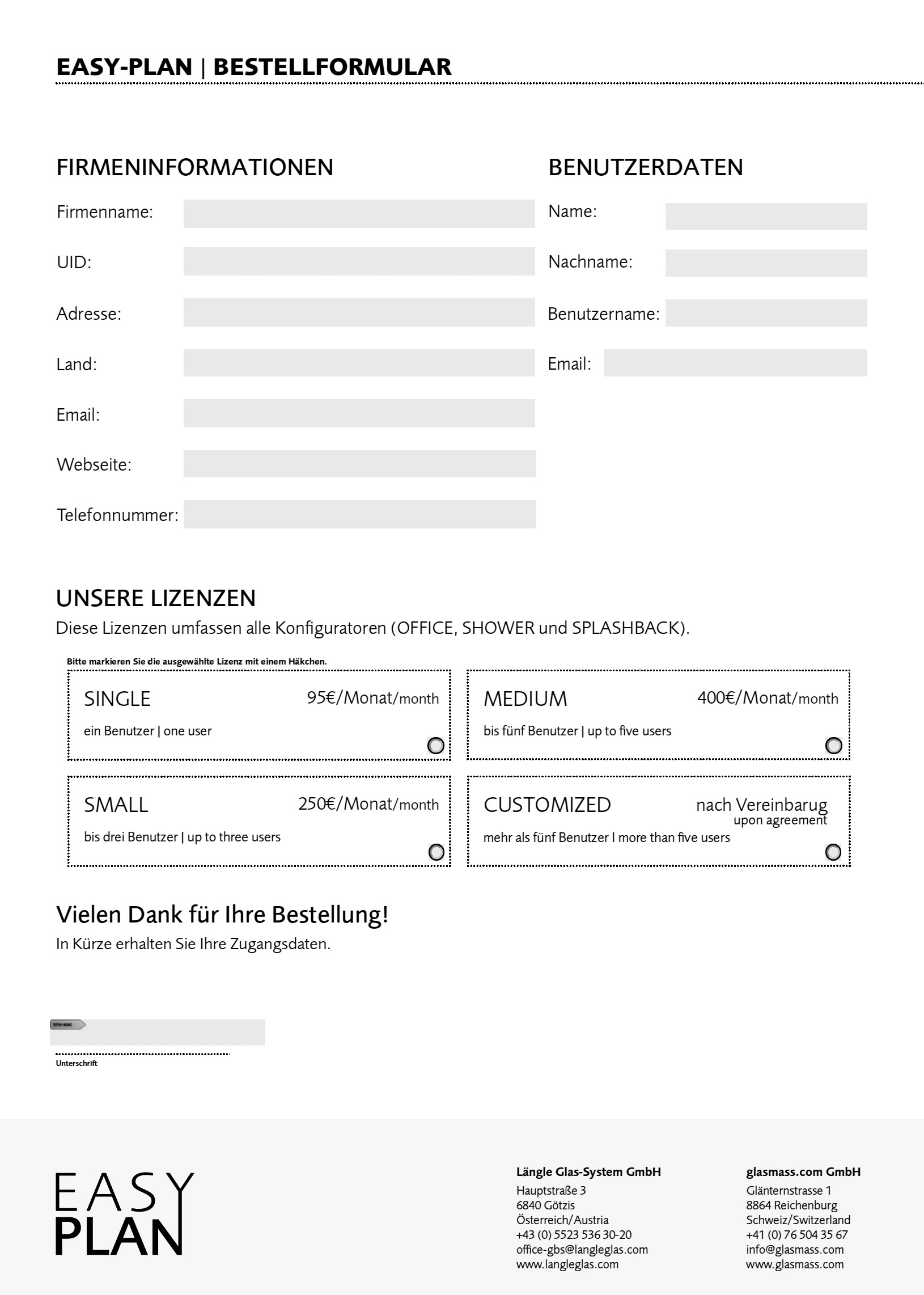

License Order:
To complete the order using the PDF form, first download the PDF. You have two options for filling it out: you can either enter your information digitally on a computer or another digital device and save the file, or you can print the form, fill it out by hand, and then scan it or take a photo of it.
Please send the completed order form to the following email address:
We place great importance on a quick and smooth process so that you can start with your license access as soon as possible. If you have any questions regarding the order, filling out the form, or the next steps, we are, of course, happy to assist you.
“Sometimes you just need a little help. Don’t worry, we’re here for you.”
Alisa Längle – Sales
+43 676 83531 660
info@easy-plan.at
FREQUENTLY ASKED QUESTIONS
No, CAD knowledge is not required to use the configurator. The user interface is intuitively designed, so anyone can easily navigate it. There’s no need to worry about technical knowledge, as the configurator is highly user-friendly.
For each configuration, you can download the order drawing, an attractive sales document, an easy-to-understand assembly drawing, and a glass drawing.
To use the configurator, you only need a device (e.g., a computer, tablet, or smartphone) with internet access and a common browser, as well as a valid EASY-PLAN license. Once you meet these requirements, you can start configuring immediately.
Yes, an active internet connection is required to use the configurator.
Yes, absolutely! We offer you the opportunity to test EASY-PLAN free of charge and without obligation for one month. After the trial period, the first payment will be due, and the license agreement will come into effect. However, the license can still be canceled monthly, so you won’t incur any risk.